
LetsView- Wireless Screen Cast
WangxuTech
Downloads
5,000,000+
Source
Google Play
Click to download now, finish the installation quickly, and directly unlock the all-round experience
Screenshots
Click to download now, finish the installation quickly, and directly unlock the all-round experience
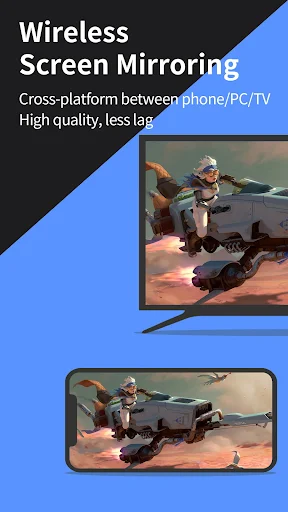
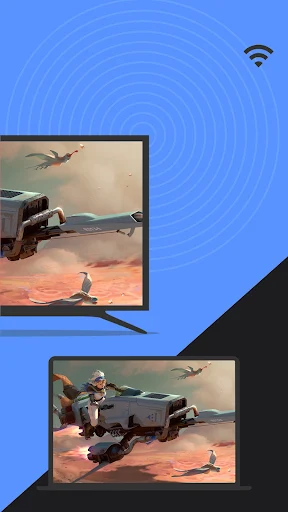
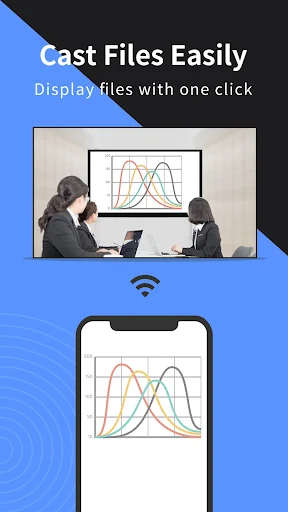
LetsView- Wireless Screen Cast mirrors a phone or tablet to a computer or TV, and supports screen sharing between computers and TVs through its desktop version. It suits people who want to show phone content on a larger display, present documents, or watch a stream together. The app is from WangxuTech and is listed in Tools.
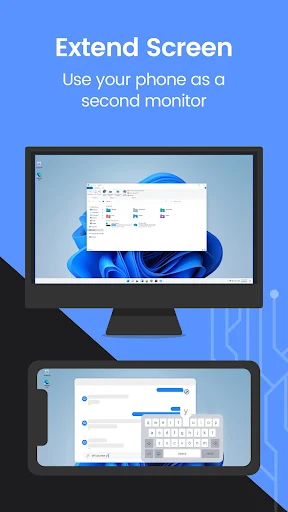
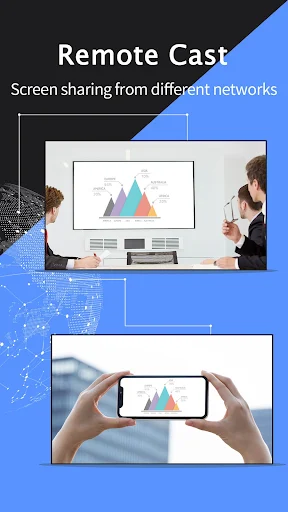
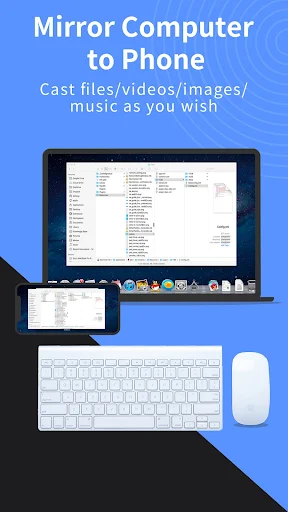
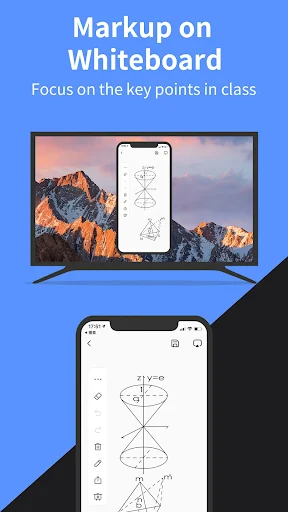
When a phone is connected to a computer, it can act as a keyboard or mouse for the computer. LetsView also describes using a phone as an extra screen for a computer, and casting between devices on different networks with a remote cast code. Drawing, a whiteboard, screen capture and screen recording add options for presentations or demonstrations.
Those extras make the app broader than a simple cast button, but they also mean there may be more to configure. Its uses depend on having the other device and the right connection available; remote casting, in particular, involves entering a code. If you only need to show a picture once, that wider toolset may be more than you need.
LetsView has 5,000,000+ installs, but its rating is 2.91 from 7,387 ratings. That combination points to substantial uptake alongside a mixed user response. Ratings do not explain why individual users are satisfied or not, so consider whether the specific device combinations and features you need are supported before relying on it for a presentation.
It is most relevant to people who regularly move content between phones, computers and TVs, or want remote casting and presentation tools in one app. The trade-off is a potentially more involved setup than a basic screen-sharing task, with value tied to how often you use its extra controls. If your priority is occasional, straightforward viewing on a larger display, a simpler alternative may suit you better.