
City On Fire Home App
Hadiz Studio
Downloads
1,000,000+
Source
Google Play
Click to download now, finish the installation quickly, and directly unlock the all-round experience
Screenshots






Click to download now, finish the installation quickly, and directly unlock the all-round experience
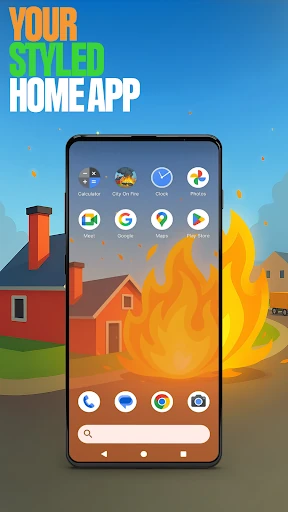
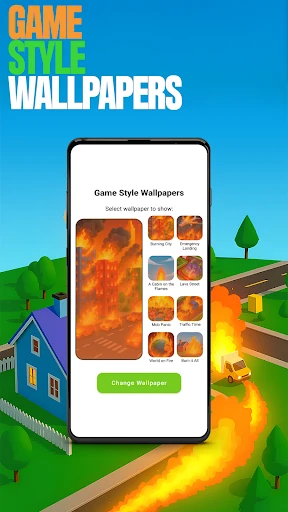
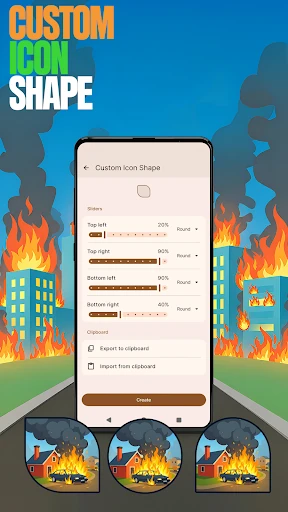
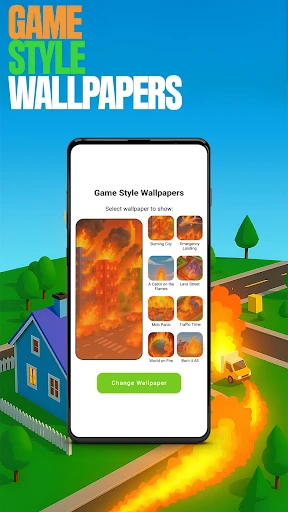
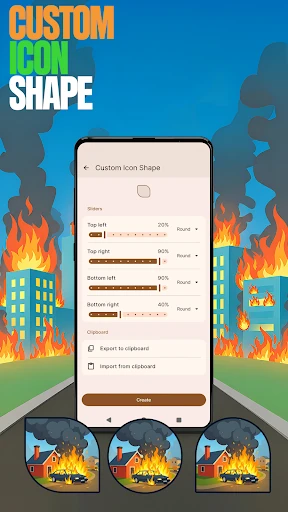
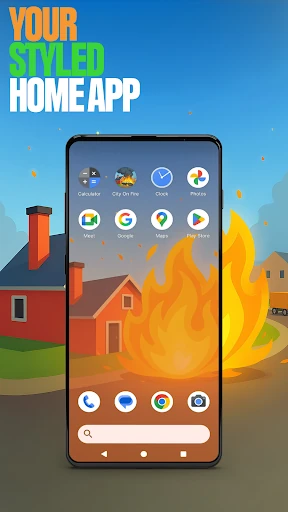
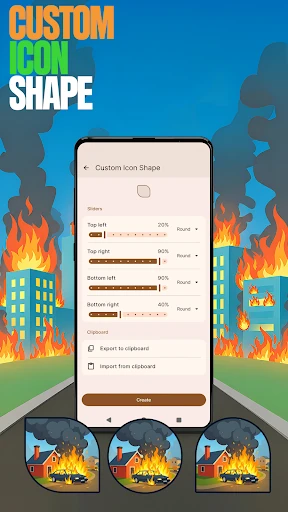
City On Fire Home App is a Personalization app from Hadiz Studio. It replaces your usual home screen with a launcher you can adjust: change icon shapes and accent colors, use game-style wallpapers, arrange apps into folders, and set gestures for opening apps or the app drawer. It also includes a separate City On Fire game, accessible from an icon on the home screen.
It may suit you if you want a themed launcher with a few practical controls, rather than a wallpaper alone. The game is an extra, not the main reason to choose a home-screen app.
These options are found through the launcher’s home-screen menu and settings. You will need to spend some time arranging the layout and choosing the look you want.
Using it means making it your default home app, so the layout you see when you press Home changes. The app notes that your previous home-screen layout is not affected if you switch back, but you may still need to set up this launcher to your taste. If you already use a launcher with similar customization options, the added value may be limited.
The included game adds another reason to keep the app, but it also makes this more than a focused home-screen tool. Consider whether you want both parts rather than just a themed launcher.
City On Fire Home App has a 4.46-star rating from 3,120 ratings and 1,000,000+ installs. Those figures suggest broad use and generally positive feedback, but they do not tell you whether its layout or bundled game will suit your preferences.