Bluetooth File Transfer
Medieval Software
Downloads
10,000,000+
Source
Google Play
Click to download now, finish the installation quickly, and directly unlock the all-round experience
Screenshots
Click to download now, finish the installation quickly, and directly unlock the all-round experience
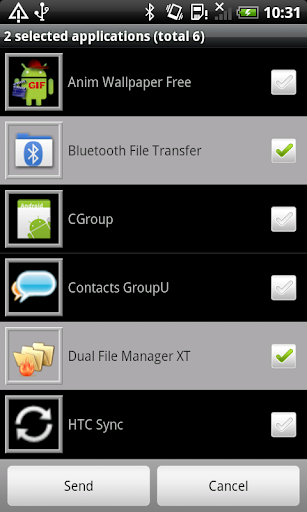
Bluetooth File Transfer lets you browse files on a nearby Bluetooth device, send and receive files, and send contacts. It suits people moving individual items between phones or managing files without relying on an internet connection. The app is published by Medieval Software and listed in the Communication category.
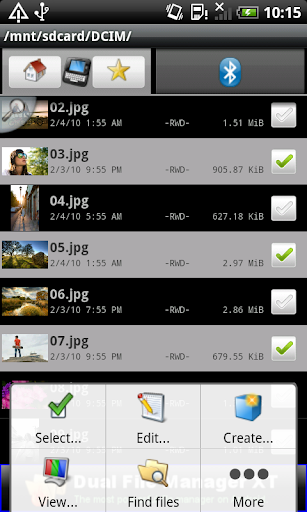
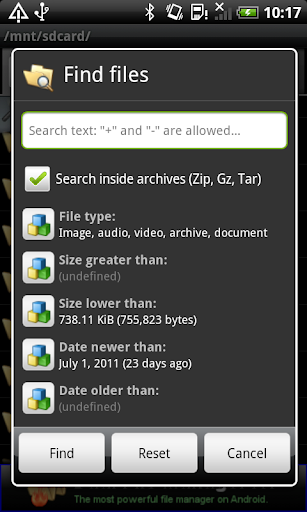
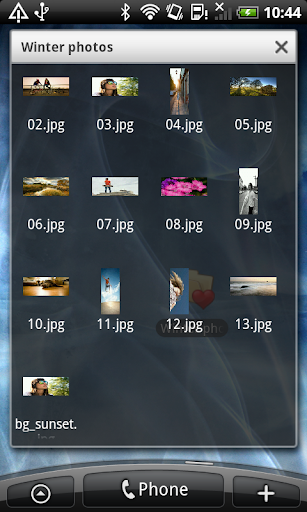
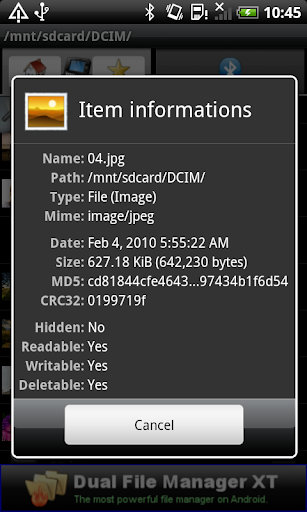
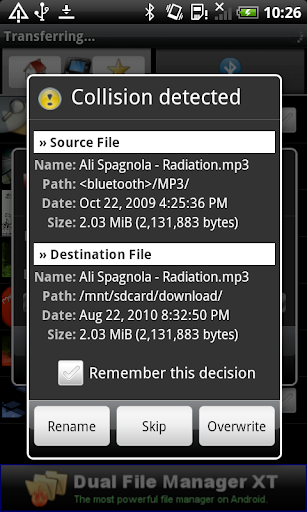
An integrated file manager handles actions such as copying, moving, deleting and searching across multiple items. The app can also create and extract ZIP, GZIP and TAR archives; ZIP files can be password-protected. Other extras include bookmarks, archive browsing, file checksums and media thumbnails. This breadth is useful if you want file management alongside transfers, but it also makes the app more involved than a simple send-and-receive tool.
Transfers use Bluetooth File Transfer Profile and Object Push Profile, so what you can do depends in part on whether the other device supports the relevant Bluetooth functions. It is aimed at working with a range of older and newer phones, but it is not a replacement for cloud storage or a general-purpose way to share files over any connection. Password protection applies to ZIP archives; it should not be mistaken for encryption of every Bluetooth transfer.
Bluetooth File Transfer has a 3.68 rating from 230,325 ratings and more than 10 million installs. That scale indicates substantial use, while the rating suggests experiences are not uniformly positive. Consider it if Bluetooth file exchange and a capable local file browser are your priorities. If you only need occasional sharing, its extra controls may be more than you need.